

Download StarMaker APK – free recording, editing, karaoke, singing, music, multimedia, desktop application
Overview
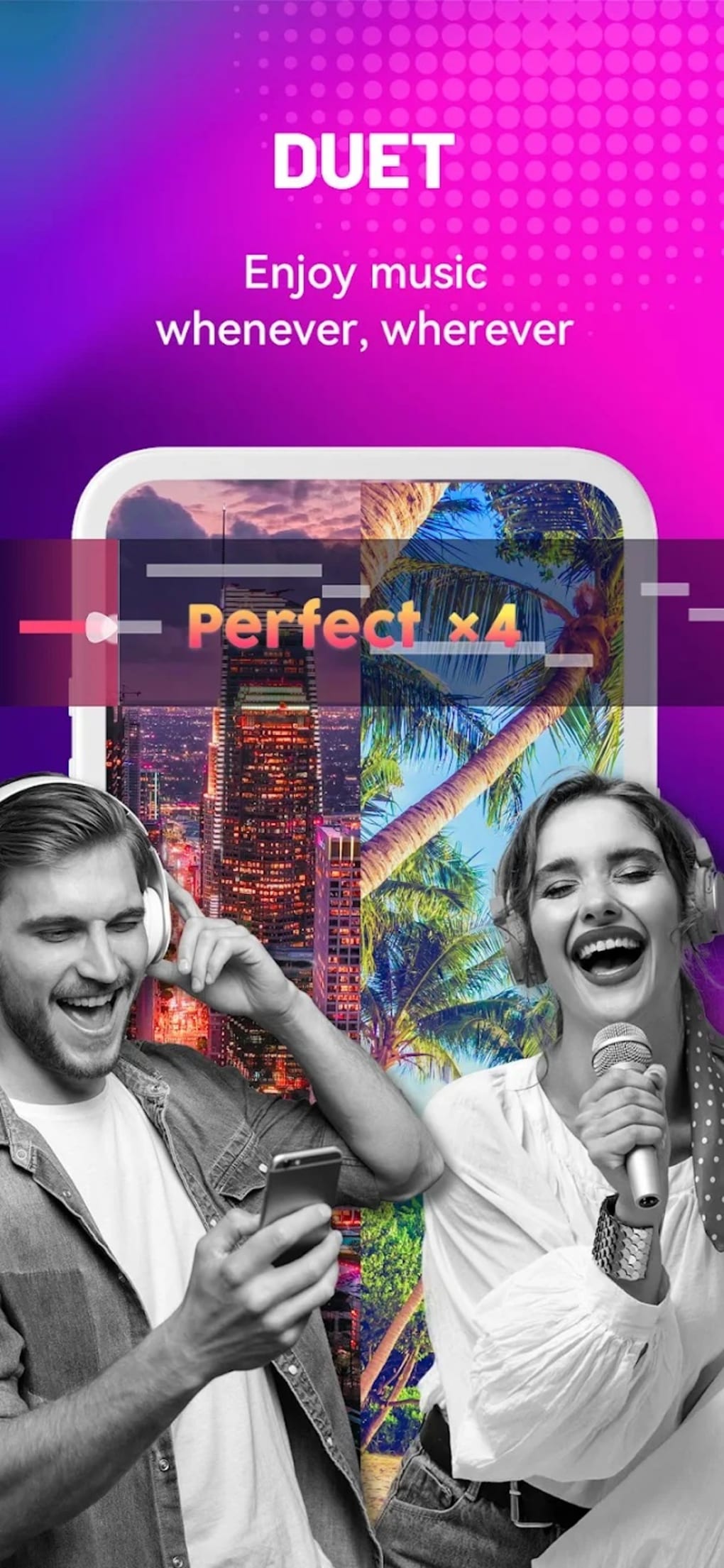
StarMaker is a multimedia recording and editing application designed for users who wish to record, edit, and share singing performances. The software allows users to select from a wide library of songs, sing along to the instrumental track, and apply various audio and visual effects to enhance their performance. It is suitable for casual users, music lovers, and aspiring performers looking to express themselves creatively.
The app supports recording with either front or rear camera, enabling users to produce video performances. While the developer did not provide additional details about the company or background, the software is positioned as a tool for creative self-expression and music exploration. Real-world usage includes personal entertainment, social sharing, and music discovery.
The application is free to download and use, with in-app purchases available for additional features and content. However, the lack of privacy controls and limited sharing compatibility may affect its suitability for younger users or those seeking broader audience reach.
Key Features & Capabilities
- Song Library Access – Users can browse and select from a large collection of songs across various genres and artist styles, enabling diverse musical exploration.
- Real-Time Recording – The software allows immediate recording of vocal performances against instrumental tracks, supporting both audio and video capture.
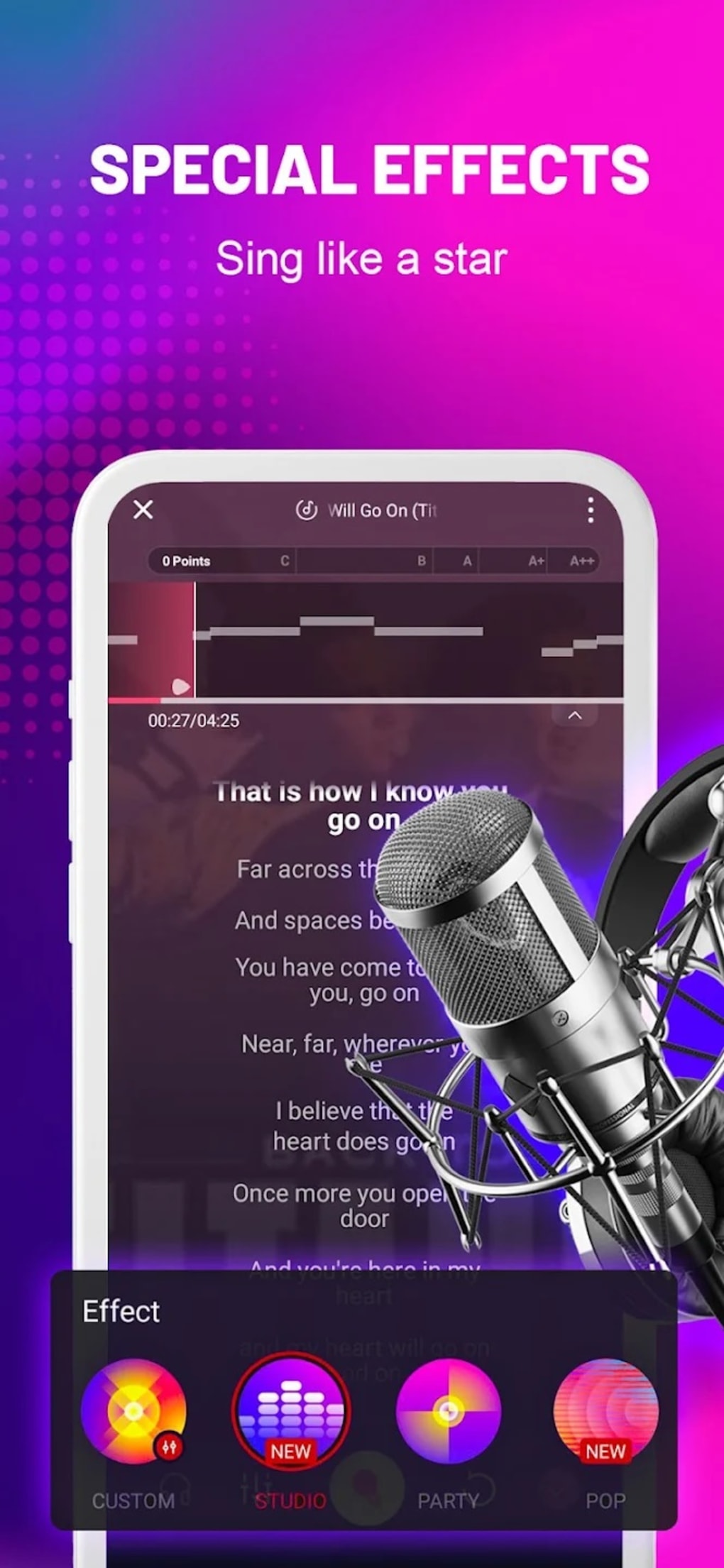
- Audio Editing Tools – Features include pitch and tempo adjustment, auto-tune, and audio filtering to refine vocal quality and style.
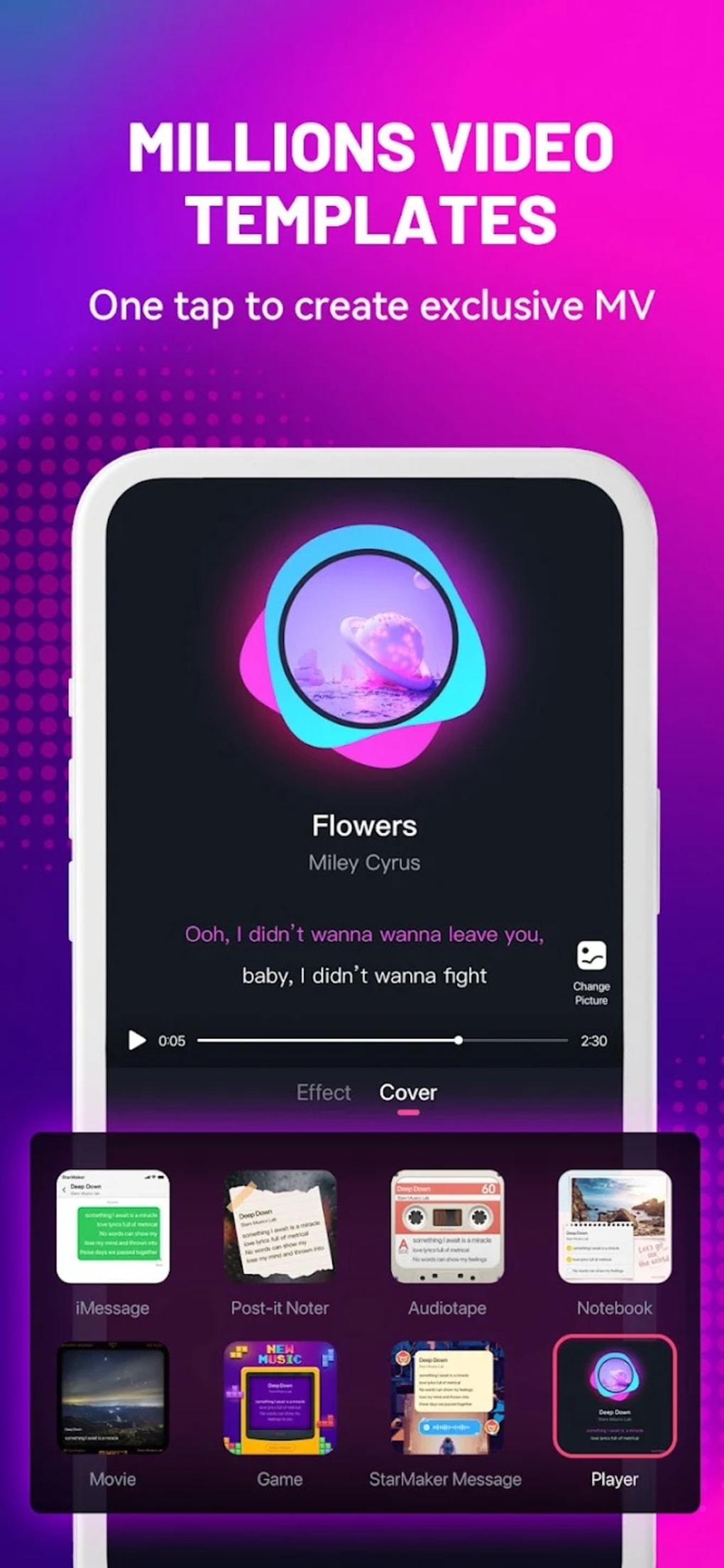
- Visual Effects and Filters – Users can apply lighting effects, visual filters, and camera overlays to enhance the visual appeal of their recordings.
- Performance Sharing – Completed recordings can be shared directly through integrated social media platforms, though viewers must have the app to access the content.
- Multi-Camera Support – The software supports both front and rear camera recording, offering flexibility in video composition.
Usage Examples
Users can record a cover of a popular song, adjust pitch to match their vocal range, apply a cinematic filter, and share the result on social media. Music enthusiasts may use the app to experiment with different genres and discover new artists. Performers can use the editing tools to polish a live-style recording for a more professional appearance.
User Interface, Workflow & Performance
The user interface is designed for intuitive navigation, with a clean layout that allows quick access to song selection, recording controls, and editing tools. The workflow follows a logical sequence: select song → start recording → edit audio and visuals → share. The software appears to support a smooth recording process with minimal lag, though exact performance details were not specified.
The developer did not provide information on CPU or RAM usage, nor did they detail stability under prolonged use. General software behavior suggests responsiveness during standard operations, but performance may vary based on device hardware. The app does not appear to require complex setup, and installation is straightforward.
No issues with crashes or freezes were reported in the provided data.
Compatibility & System Requirements
StarMaker is available for Android devices, though the specific version and operating system compatibility were not listed. The installation size was not provided. The developer did not specify exact system requirements, including minimum RAM, storage, or processor specifications.
Platform compatibility information is limited, and no details were given about support for Windows or Mac. Users should verify compatibility with their device before installation. The developer did not specify whether the software supports offline usage or requires a constant internet connection for core features.
Pros and Cons
Pros
- Free to download and use with no upfront cost
- Extensive song library across multiple genres and artists
- Comprehensive audio and visual editing tools
- Supports video recording with multiple camera options
- Intuitive interface suitable for beginners
Cons
- Limited sharing reach — viewers must download the app to view content
- Lack of privacy settings, potentially exposing users to unfiltered content
- No information on system requirements or resource usage
- Dependence on in-app purchases for premium features
- Not available as a desktop application for Windows or Mac
FAQ Section
Is StarMaker available for Windows or Mac?
The developer did not specify whether StarMaker is available as a desktop application for Windows or Mac. The software is primarily designed for Android devices.
Is StarMaker safe to download and use?
StarMaker is described as a free multimedia recording and editing app. While the developer did not provide security details, the app is available through official Android channels. Users should ensure they download from trusted sources.
Does StarMaker require an internet connection?
The software may require an internet connection for song downloads, updates, and sharing features. Offline usage details were not specified.
Are there in-app purchases?
Yes, the app offers in-app purchases for additional songs and premium features. The free version includes core recording and editing tools.
Can I use StarMaker without sharing my recordings?
The software allows recording and editing, but the developer did not provide information on private or offline-only modes. All shared content is publicly accessible within the app.
Final Thoughts + CTA
StarMaker offers a fun, accessible platform for users to record, edit, and share singing performances. With a vast song library and robust editing tools, it serves as a creative outlet for music lovers and casual performers. However, the lack of privacy controls and the limitation that shared content can only be viewed within the app reduce its appeal for serious creators and younger users.
While it excels in entertainment value and ease of use, its mobile-only nature and restricted sharing format prevent it from being a comprehensive desktop solution. For those seeking a free, engaging way to explore music and perform, StarMaker delivers on core promises. Download StarMaker now






.png)
